
Call us now :08045803043
 Send Inquiry
 Send Inquiry
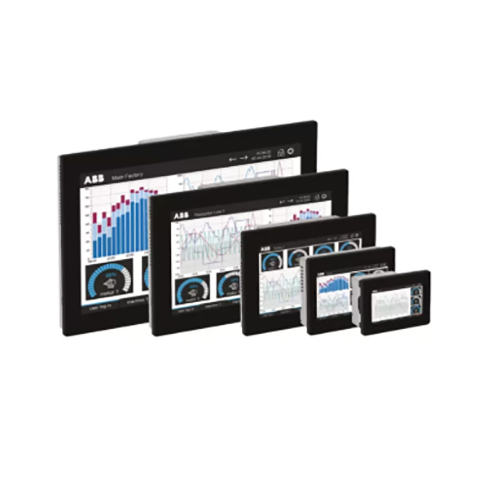
Software Human Machine Interface
MOQ : 10 Units
Software Human Machine Interface Specification
- Connectivity Type
- Ethernet, USB, Serial
- Screen Size
- Variable (Depends on Installing Device)
- Remote Control
- Yes
- Speed Range
- Software Dependent
- Control Type
- Touchscreen/Soft Button
- Automation Grade
- Automatic
- Mounting Type
- PC or Industrial Panel Mounted
- Weight
- Not Applicable (Software)
- Sensor Type
- Supports Various Digital Sensors
- IP Rating
- Depends on Hardware
- Application
- Monitoring and Control Of Industrial Processes
- Cable Length
- Depends on Interface Hardware
- Processor Type
- PC-Based Compatible
- Features
- Real-Time Monitoring, Data Logging, User-Friendly Interface
- Material
- Software Platform, Digital Interface
- Power
- Not Required (Software-Based)
- Temperature
- 0-55C Operating Range
- License Type
- Perpetual/Subscription
- Graphical User Interface
- Customizable
- Alarm Functions
- Configurable
- Software Version
- Latest Release
- Update Method
- Online/Offline
- Installation Type
- Local, Network
- Data Logging Capability
- Yes
- Integration
- PLC, SCADA, DCS Systems
- Backup and Restore
- Supported
- Supported Operating Systems
- Windows, Linux
- User Access Levels
- Multi-Level Security
- Languages Supported
- Multi-Language
Software Human Machine Interface Trade Information
- Minimum Order Quantity
- 10 Units
- Payment Terms
- Cash in Advance (CID)
- Supply Ability
- 5000 Units Per Month
- Delivery Time
- 10 Days
- Main Domestic Market
- All India
Software Human Machine Interface About
Design and scale HMIs with enhanced configuration flexibility - ideal for mid-range machine and process interfaces.
Technical features
- Panel Builder 600 integration
- Support for scripting and logic
Discover a lavish Software Human Machine Interface, designed with kingly features for enlightened industrial users. Find the best price on a platform supporting Windows and Linux, offering multi-level security access for robust monitoring and control. Gain effortless access to real-time data logging, configurable alarms, and customizable GUIs-perfect for PLC, SCADA, and DCS integration. Enjoy full-featured backup/restore, multi-language support, online/offline updates, and a flexible licensing model. Benefit from an adaptable, software-based solution, locally or over networks, optimally suited for India's industrial automation needs.
Key Applications and Features
Used as a central monitoring and control platform, the Software Human Machine Interface elevates automation processes. Features of this machine include real-time monitoring, configurable alarm functions, and extensive data logging capabilities. Used for seamless interaction with industrial equipment via touchscreen or soft buttons, it supports broad connectivity such as Ethernet, USB, or Serial. The customizable graphical user interface ensures smooth operation in varied sectors, enhancing efficiency, safety, and process control across industrial environments.
Pricing, Payment Terms, and Export Logistics
Our best rate offer ensures a competitive advantage for buyers. Customers in India and abroad benefit from flexible payment terms, including advance and credit options, tailored to business needs. Main export markets include Asia, the Middle East, and other global regions, with reliable transportation handled from major Indian FOB ports. We strive for swift, secure delivery, ensuring software solutions reach clients promptly and efficiently, supporting their automation infrastructure growth internationally.
Key Applications and Features
Used as a central monitoring and control platform, the Software Human Machine Interface elevates automation processes. Features of this machine include real-time monitoring, configurable alarm functions, and extensive data logging capabilities. Used for seamless interaction with industrial equipment via touchscreen or soft buttons, it supports broad connectivity such as Ethernet, USB, or Serial. The customizable graphical user interface ensures smooth operation in varied sectors, enhancing efficiency, safety, and process control across industrial environments.
Pricing, Payment Terms, and Export Logistics
Our best rate offer ensures a competitive advantage for buyers. Customers in India and abroad benefit from flexible payment terms, including advance and credit options, tailored to business needs. Main export markets include Asia, the Middle East, and other global regions, with reliable transportation handled from major Indian FOB ports. We strive for swift, secure delivery, ensuring software solutions reach clients promptly and efficiently, supporting their automation infrastructure growth internationally.
FAQ's of Software Human Machine Interface:
Q: How do I install the Software Human Machine Interface on my system?
A: Installation is straightforward: after purchase, you'll receive a software package that can be set up locally on any compatible Windows or Linux PC or deployed over a network. A step-by-step guide ensures seamless setup.Q: What user access levels are supported for security?
A: The interface provides multi-level security options, allowing administrators to configure distinct access rights for different user roles, ensuring only authorized personnel control or view sensitive functions and data.Q: Where can this software be integrated in an existing automation environment?
A: It integrates effortlessly with PLC, SCADA, and DCS systems, serving as a central hub for data collection, visualization, and control in industrial automation infrastructures.Q: What is the process for updating the software to the latest version?
A: Updates can be performed both online and offline. Users can access update files via a secure connection or request a physical media update, keeping your system current with minimal disruption.Q: What benefits does remote control capability provide?
A: Remote control enables operators and managers to monitor and manage equipment and processes from virtually anywhere, improving response times and granting unparalleled flexibility for maintenance and troubleshooting.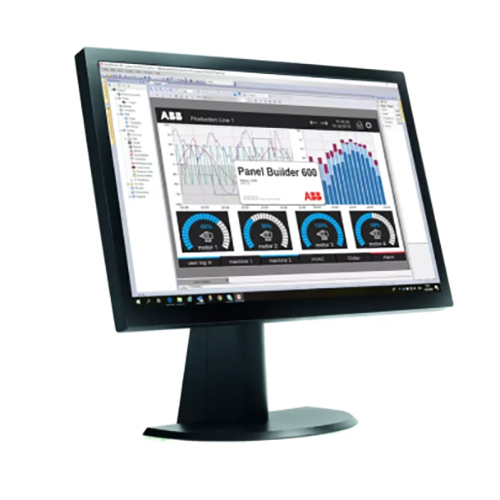
Tell us about your requirement

Price:
Quantity
Select Unit
- 50
- 100
- 200
- 250
- 500
- 1000+
Additional detail
Mobile number
Email

More Products in Human Machine Interface (HMI) Category
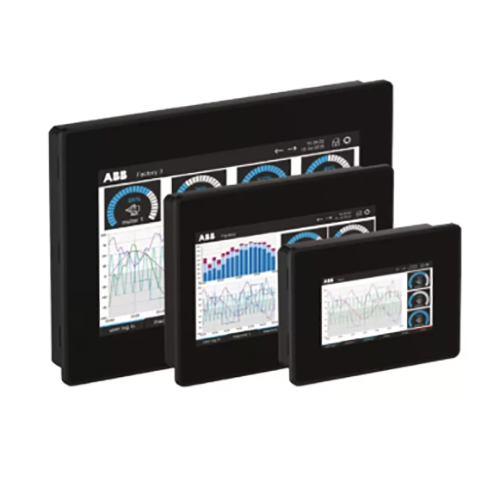
CP600 Eco Human Machine Interface
Minimum Order Quantity : 10 Units
Connectivity Type : Ethernet, USB Host, RS232/RS485 Serial
Screen Size : 7 inch (16:9), 800 480 pixels
Remote Control : Yes
Control Type : Touch Screen
Automation Grade : Automatic
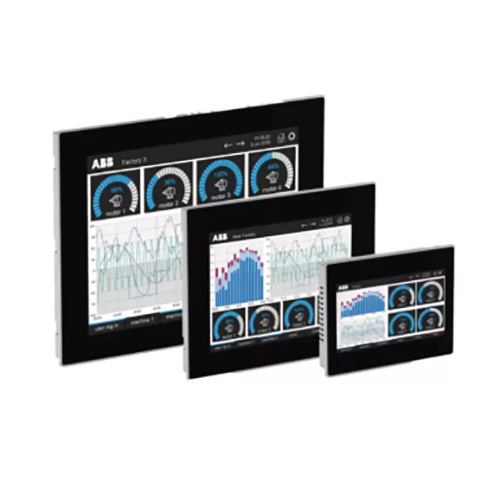
CP600 Human Machine Interface
Minimum Order Quantity : 10 Units
Connectivity Type : Ethernet, USB, RS232, RS485
Screen Size : 7 inch, 10.4 inch, 12 inch (varies by model)
Remote Control : Yes
Control Type : Touch Screen
Automation Grade : Automatic
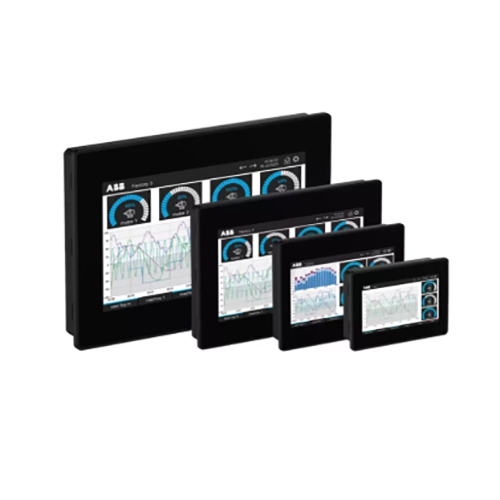
CP600 C Human Machine Interface
Minimum Order Quantity : 10 Units
Connectivity Type : Ethernet, USB, Serial (RS232/RS485)
Screen Size : 7 inch (800 x 480 pixels)
Remote Control : Yes
Control Type : Touch Control
Automation Grade : Automatic
CP600 Pro Human Machine Interface
Minimum Order Quantity : 10 Units
Connectivity Type : Ethernet, USB, Serial
Screen Size : 10.1 Inch TFT LCD
Remote Control : Yes
Control Type : Touch Screen
Automation Grade : Automatic

 Send Inquiry
Our Products
- ABB Brand
- Programmable Logic Controller (PLC)
- Human Machine Interface (HMI)
- AC Drives (VFD)
- Servo Motor And Drives
- Industrial Drives
- Teltonika Brand
- 4G - 5G Cellular Router
- Industrial Ethernet Switches
- Industrial Rugged Gateways
- WiFi Access Point
- Remote Management System (RMS)
- GreenFuturz RFID
- RFID Reader And Antenna
- RFID Tags
- RFID PRINTER
- RFID Self Checkout
- RFID Tunnel Reader
- RFID Smart Shelf - Cabinet
- Posital Fraba
- Incremental Encoder
- Absolute Encoder
- Linear Sensor
- Digital Inclinometer
- Lifo Brand
- PCB Design And Development
- Industrial Router
- IOT Gateway
- Din Rail Switch
- Automation Components
- Servo Drive


G-123, Sector-63,Noida - 201307, Uttar Pradesh, India

Mr. Amit Kr. Singh
(Proprietor)
Mobile :08045803043
 Send Inquiry
 Send SMS
 Call Me Free
Developed and Managed by Infocom Network Private Limited.
